
CRM + Inbox: Why You Need a Shared Inbox for Sales and Support
Stop juggling tabs. A disconnected CRM and inbox leads to missed leads and confused customers. Here's why they should be the same tool.
Try Rhinon Tech free
Why Your CRM and Your Inbox Should Be the Same Tool
You have two tabs open. One is your CRM, showing a lead you need to follow up with. The other is your email, where you’re drafting the message. You copy-paste the email address, write the message, hit send, then tab back to the CRM to log the activity. This is a broken process, and it’s costing you more than just a few clicks.
For most small companies, the customer record lives in one place and the customer conversation lives in another. This split creates chaos. A truly effective setup requires a shared inbox for sales and support that is not just connected to your CRM, but is a part of it.
The Real Cost of Juggling Two Tools
The first cost is obvious: money. You pay for a CRM. You also pay for a separate shared inbox tool because a basic Gmail or Outlook mailbox falls apart with more than two people. A tool like Front, Hiver, or Missive costs between $14 and $29 per user per month. For a team of five, that’s an extra ₹8,000 to ₹12,000 every month, on top of your CRM subscription.
The bigger cost is friction. Every time a team member has to switch contexts, check two systems for an update, or manually log an email, you introduce a point of failure. This is where leads get dropped, support tickets get ignored, and customers get duplicate replies from two different people.
Small businesses can save between $450 and $1,100 per month by consolidating tools. But the real saving is in focus and time. When the conversation and the customer record are in the same place, your team can see the entire history—past purchases, previous support issues, deal stage—right next to the email they’re about to send.
The Seven Sins of a Disconnected Inbox
Expecting a tool to fix a broken process is the biggest mistake. But using the wrong tools makes a good process impossible. When your inbox and CRM are separate, you invite these common failures.
- The Bystander Effect: Everyone can see an email, so no one takes ownership. Each person assumes someone else will handle it. The result: the customer gets no reply.
- Duplicate Replies: Two salespeople, unaware of each other's actions, email the same lead with different information. Your company looks disorganized and unprofessional.
- “Read” Means Nothing: A team member opens a complex support email, decides they’ll deal with it later, and moves on. To everyone else, the message is marked as “read” and appears handled. It isn’t.
- Information Silos: A sales lead moves an important email to their personal folder for follow-up. The conversation is now invisible to the rest of the team, breaking context for anyone else who interacts with that customer.
- Inefficient Triage: Your team spends the first hour of the day sifting through a cluttered inbox, cherry-picking the easiest emails to answer. The tough, high-value problems are left to fester.
- Lost Context: A customer who had a support issue last month emails with a sales question. Without the support history visible, the salesperson has no context and treats them like a cold lead.
- No Accountability: When a lead goes cold, who dropped the ball? Without a clear owner assigned to each conversation, it's impossible to know what went wrong or how to fix the process.
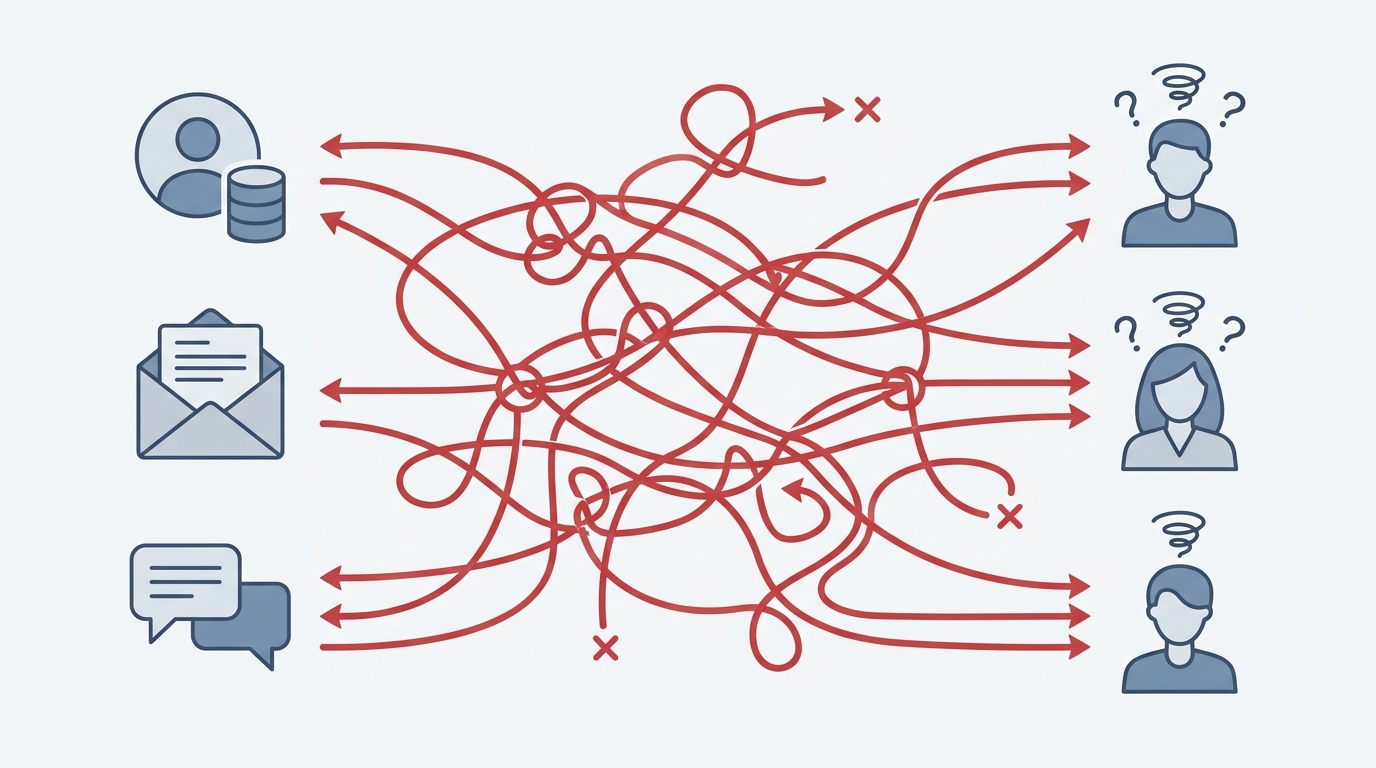
How a Unified Shared Inbox for Sales and Support Works
A unified inbox isn't just about showing emails in your CRM. It’s about making the conversation an interactive part of the customer record. When we built the shared inbox in Rhinon, we designed it around this principle.
Here’s what that looks like in practice:
- Replies update the lead automatically. When a prospect replies to a cold email sent from our Outreach tool, the reply lands in the shared inbox, attached directly to their lead profile in the CRM. The lead's status can automatically update from “Contacted” to “Replied.” No manual logging needed.
- Every conversation has an owner and a status. An email is never just “read.” It has a status like “Open,” “In Progress,” or “Resolved.” And it has one, single owner responsible for seeing it through. This ends the “I thought you were handling it” problem for good.
- Customers email the team, not a person. Every workspace gets a company address, like `support@yourcompany.rhinon.app`. This ensures that even if a team member is on leave, the conversation remains visible and can be reassigned. The customer gets a consistent experience.
- Chat and email are in one view. A visitor might start a conversation on your website’s AI chatbot and follow up via email. In a unified system, both parts of that conversation appear in a single thread, giving your team the full picture.
Setting Up Your First Unified Inbox: A 4-Step Guide
Moving from a messy, disconnected system to a streamlined one requires a clear plan. Software is only half the solution; process is the other half.
Step 1: Assign a Single Owner for Everything
This is the most critical rule. Every single incoming conversation—whether from email, chat, or a form—must be assigned to one person. This person is responsible for the conversation until it is resolved or explicitly handed off to someone else. No exceptions.
Step 2: Define Your Statuses and SLAs
Before you start, decide what your conversation statuses will be. A good starting point is: Open, Assigned, Pending (waiting for customer), Resolved, and Closed. Also, define your Service Level Agreements (SLAs). For example, all new sales inquiries must be assigned within 15 minutes, and all support tickets must get a first response within one hour.
Step 3: Create Routing Rules
Decide how incoming messages will be handled. You can create simple rules. For instance, any email containing the word “invoice” or “payment” gets automatically assigned to the finance team. Any email sent to `sales@` is assigned to the sales team in a round-robin fashion. This initial triage saves hours.
Step 4: Use Internal Notes for Collaboration
When a salesperson needs input from a technical expert, they shouldn't forward the email. They should use internal notes or @-mentions within the conversation thread. This keeps the entire discussion, both internal and external, in one place. The customer sees a clean, professional reply, while your team retains all the context internally.
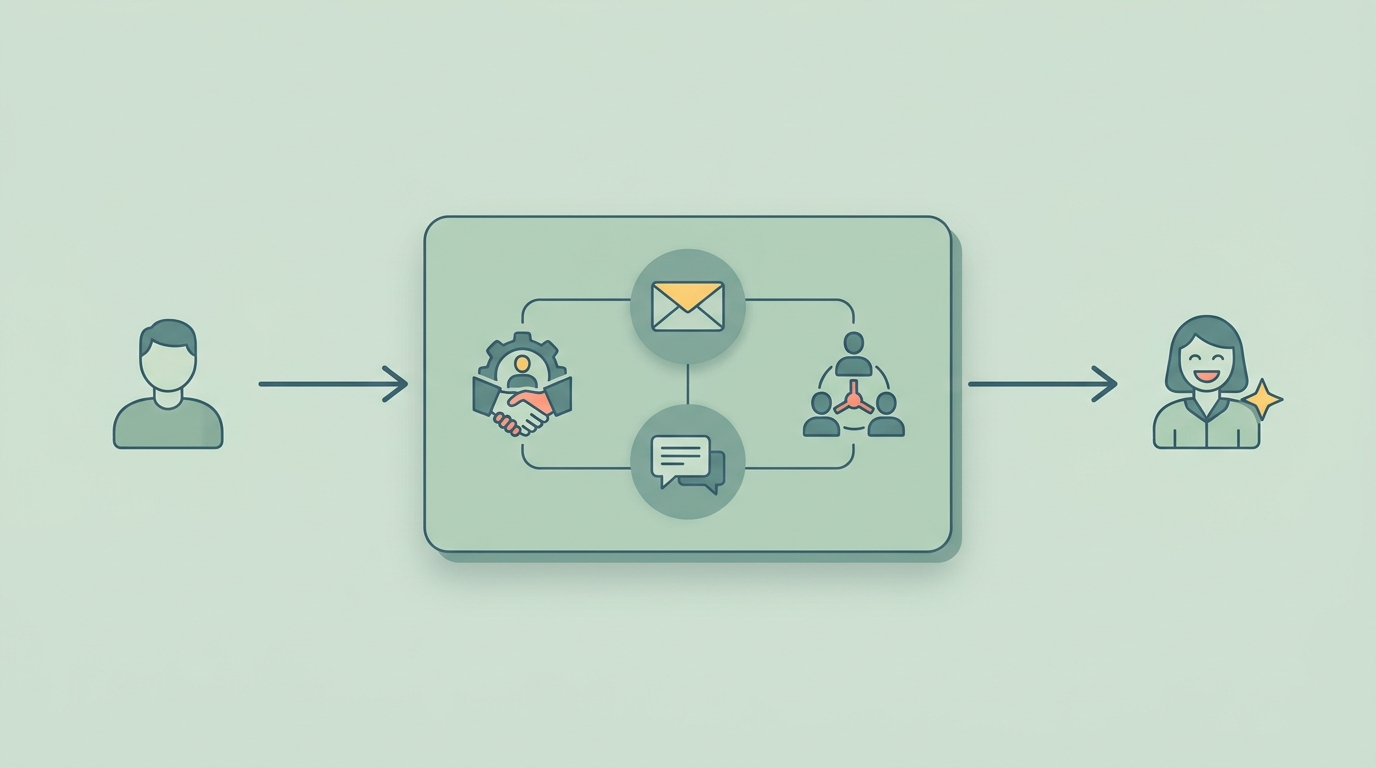
When Sales and Support Share One Space
Should your sales and support teams use the same inbox? Yes, but with clear separation. The best practice is to use different addresses (e.g., `sales@` and `support@`) that feed into the same unified system.
With routing rules, you can automatically tag and assign emails based on which address they were sent to. This keeps the queues separate but allows for seamless handoffs. For example, a support conversation might reveal an upsell opportunity. The support agent can add an internal note, @-mention a salesperson, and reassign the conversation. The salesperson gets the full history instantly and can take over without asking the customer to repeat themselves.
This is impossible when support uses a ticketing system and sales uses a separate CRM and inbox.
Is a Unified Inbox Enough?
A shared inbox doesn't replace a CRM. It should be one of the most important features *of* your CRM. The inbox manages the real-time conversation, while the CRM stores the long-term relationship: deal values, contact properties, company information, and a log of all past interactions.
When they are two sides of the same coin, your team gets superpowers. They can see an email from a VIP client and immediately prioritize it because the CRM data, visible right next to the email, shows their high lifetime value. They can respond to a support ticket with full knowledge of the feature the customer is paying for.
Most companies still operate with a wall between their communication tools and their customer database. Removing that wall is the single biggest process improvement you can make for your sales and support teams.
Rhinon Tech is built on this idea of a single, unified workspace. The Inbox is connected to the CRM, the AI Chatbot, and the project manager from day one, and it's free for your whole team. It’s one place for every customer conversation.
FAQ
Frequently asked questions
What's the real difference between a shared inbox and a shared mailbox in Outlook/Gmail?+
A basic shared mailbox is just an email address multiple people can access. Shared inbox *software* adds a layer of management tools on top, such as conversation assignment, internal notes for collaboration, collision detection to prevent duplicate replies, and performance analytics.
How do you handle a key team member going on vacation?+
In a proper shared inbox, this is simple. Because all conversations are in a central system and not a personal mailbox, their open assignments can be viewed and reassigned to other team members in a few clicks, ensuring no customer is left waiting.
How do advanced tools stop two people from replying to the same email?+
Beyond assigning a single owner, many shared inbox tools have a feature called “collision detection.” This shows you in real-time if another team member is currently viewing or typing a reply to the same email you have open, preventing embarrassing duplicate responses.
When should a small team upgrade from a basic shared mailbox?+
The moment you start experiencing common pain points like missed emails, duplicate replies, or a lack of clarity on who is responsible for what. In our experience, this usually happens once you have three or more people regularly using the same inbox.
Can we manage multiple brands or product lines from one shared inbox?+
Yes. A good shared inbox system allows you to connect multiple email addresses (e.g., support@productA.com and support@productB.com). You can then use tags and routing rules to automatically direct inquiries to the right specialists while maintaining a unified customer history in your CRM.