How to Add an AI Chatbot to Your Website in Ten Minutes

A practical guide for small businesses to set up a chatbot quickly. Learn how to train it on your data, install it with one line of code, and avoid common mistakes.
Try Rhinon Tech free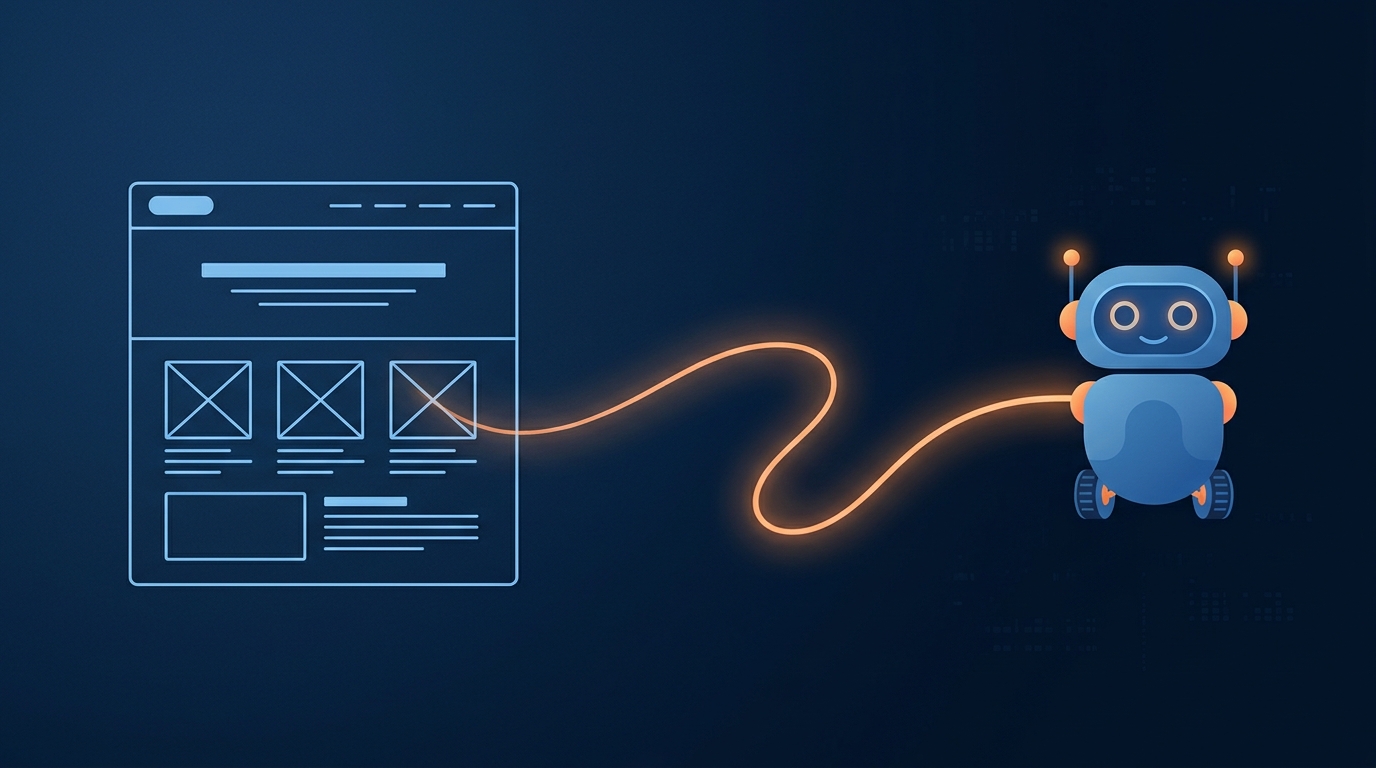
What a 'Ten Minute' Chatbot Setup Actually Means
The promise of a ten-minute setup is true, but only for the technical part. Signing up for a service, pointing it at your website, and pasting one line of code into your site's footer genuinely takes less than ten minutes. It works, and the chat widget will appear.
The real work isn't the installation; it's making the chatbot useful. This involves cleaning up your source content, defining the bot's specific job, and testing it with real questions. In our experience, going from zero to a genuinely helpful chatbot is a half-day project. The rest of this guide covers how to do that work properly.
The Three Kinds of Chatbot Tools (and Their Costs)
You have three main options, but for most small businesses, the first one is the only one to consider.
1. No-Code AI Chatbot Builders: This is the default choice. You sign up, give the tool your website URL or upload documents, and it generates a chatbot for you. You don't write any code. This guide focuses entirely on this category.
- Cost: Free plans exist but are limited (e.g., 50 chats/month) and carry the provider's branding. Paid plans typically range from $20 to $150 per month (about ₹1,600 - ₹12,500). Popular tools include SiteGPT, Chatbase, and Tidio.
2. Managed Chatbot Providers: Here, an agency sets up and maintains the chatbot for you. This can be useful if you're short on time but is often an unnecessary expense.
- Cost: Expect a one-time setup fee around $300 (₹25,000) plus a monthly plan of $50 to $150.
3. Custom Development: This means hiring developers to build a chatbot from scratch. It is extremely expensive and slow, with projects starting at $5,000 and taking 8-14 weeks for a first version. This is only for companies with highly specific, complex needs.
How to Add an AI Chatbot to Your Website: A Step-by-Step Guide
Here is the process we follow, from defining the goal to going live.
Step 1: Define the Chatbot's One Job
A chatbot that tries to do everything will fail. Before you even choose a tool, decide its primary purpose. Is it to:
- Generate leads? It should ask for contact information after answering a question.
- Provide 24/7 support? It needs to be trained on your help docs, FAQs, and return policies.
- Qualify visitors? It can ask questions to see if a visitor is a good fit for your sales team.
Your goal determines which tool you choose and how you set it up. A support bot needs deep knowledge, while a lead-gen bot needs good conversation flows to collect details.
Step 2: Train Your Chatbot on Your Content
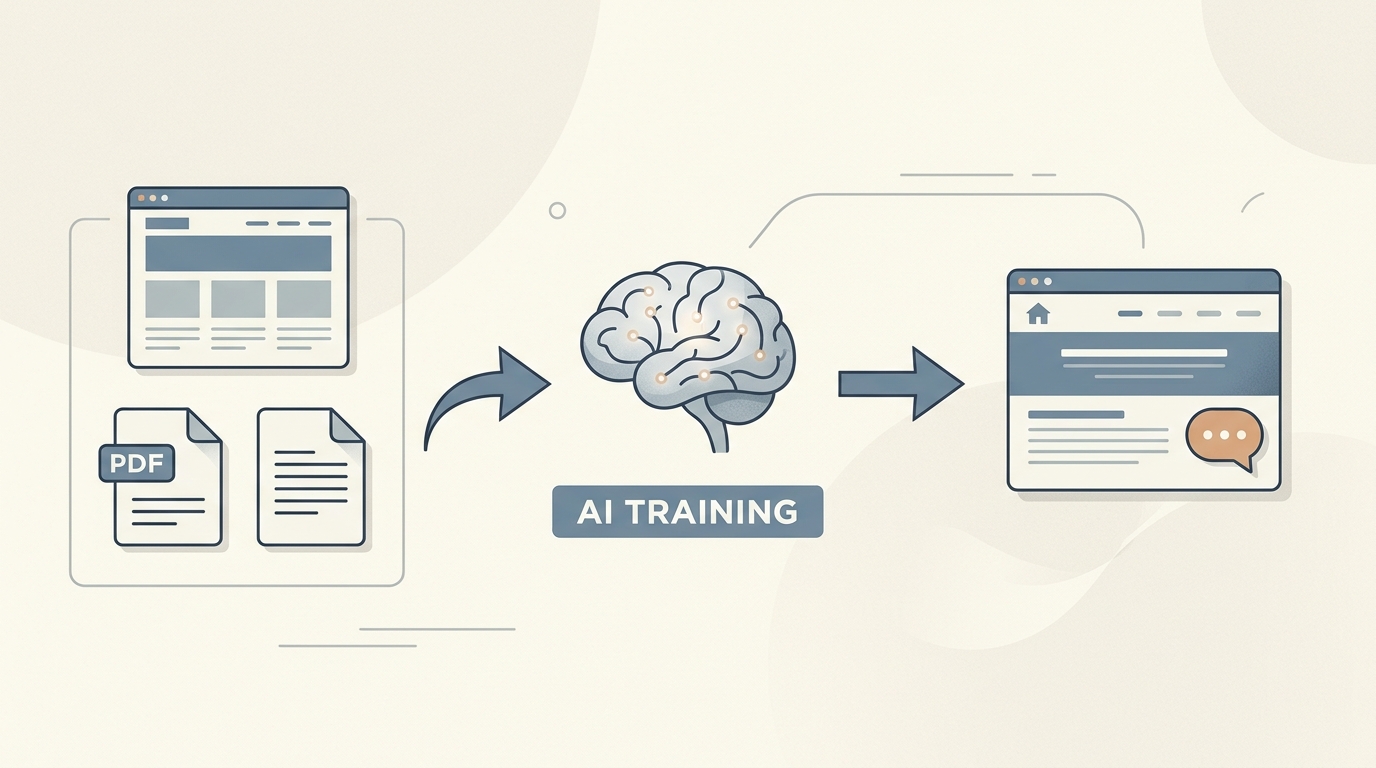
Modern AI chatbots learn from your existing information. This is the most important step. The bot is only as smart as the data you give it.
You typically have a few options:
- Website URL or Sitemap: The easiest method. You give the tool your website's address, and it crawls the pages to build its knowledge base.
- Document Upload: You can upload PDFs, Word documents, or text files. This is perfect for internal price lists, detailed product specs, or support manuals that aren't on your public website.
- Pasted Text: For quick additions, you can just paste text directly into the chatbot's knowledge base.
When we built our own chatbot, we found the best results came from giving it a clean sitemap and a handful of well-structured documents covering pricing, features, and policies. If your website content is messy or outdated, your chatbot will give messy, outdated answers. Clean up your source material first.
Step 3: Customise the Widget and Welcome Message
This part is simple. You'll customise the chat widget to match your brand's colours and upload your logo. More importantly, you'll write the welcome message.
Don't let the bot pretend to be human. It creates a bad experience when the illusion breaks. Set clear expectations from the start.
A good welcome message sounds like this:
Hi there! I'm an AI assistant trained on our public documentation. I can answer questions about pricing, features, and integrations. For anything else, I can connect you with a human.
This tells the user exactly what the bot can and cannot do, and provides an immediate path to a person.
Step 4: Install the Code Snippet on Your Website
This is the ten-minute part. Your chatbot provider will give you a small block of JavaScript code. You just need to paste it into your website's HTML right before the closing </body> tag.
This process is nearly identical for every website platform:
- WordPress: Use a plugin like "Insert Headers and Footers" or edit your theme's `footer.php` file.
- Shopify: Go to Online Store > Themes > Actions > Edit code, and paste it into the `theme.liquid` file.
- Webflow, Framer, Wix, Squarespace: They all have a dedicated "Custom Code" or "Embed" section in their settings where you can paste the snippet.
- Google Tag Manager: You can also deploy the script via a custom HTML tag in GTM.
- React/Next.js: Most services also offer an `npm` package for easier integration into modern JavaScript frameworks.
Once you save, the chat widget will appear on your site.
Beyond Installation: Making Your Chatbot Actually Useful
Having a widget on your site is easy. Making it a tool that helps your business requires a few more steps.
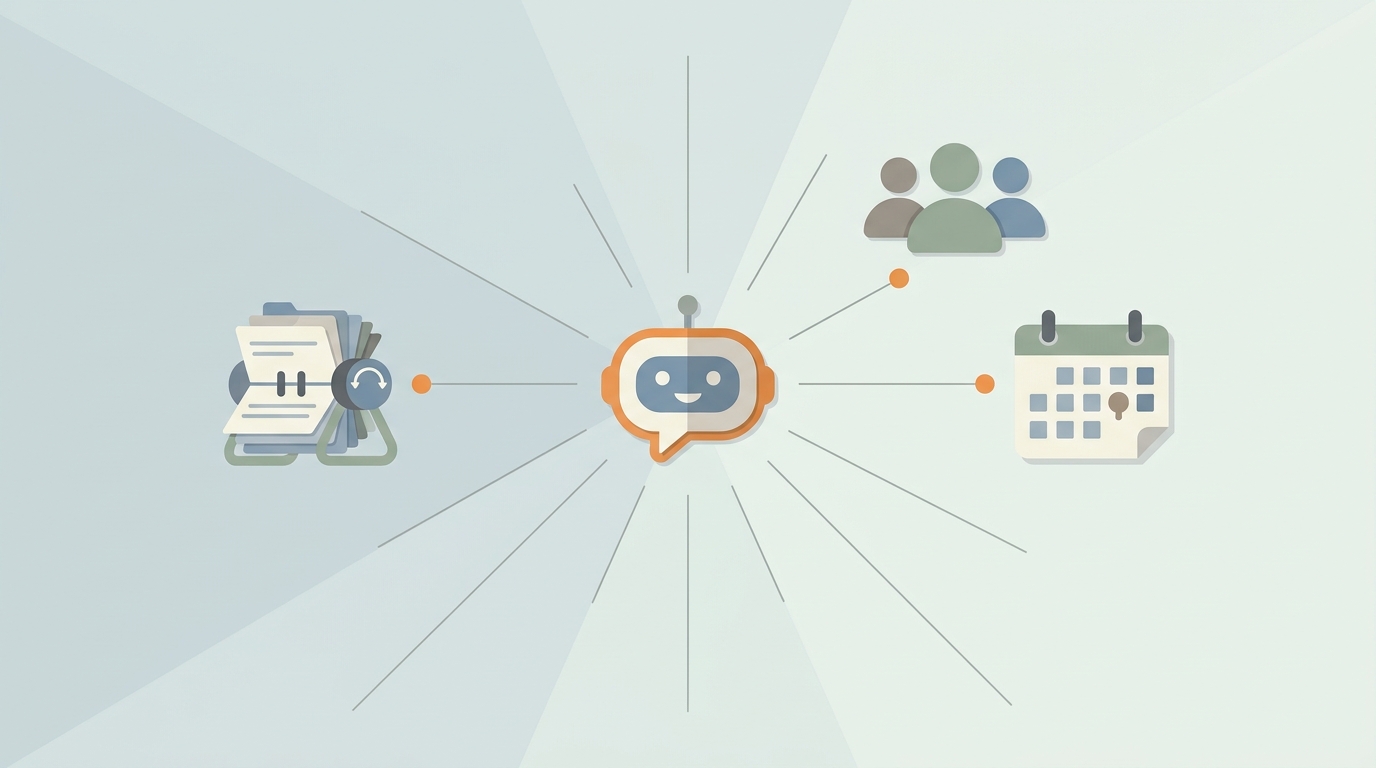
First, it must be integrated with your other systems. A standalone chatbot is a glorified FAQ. A chatbot that creates a lead in your CRM, lets a human take over the chat live from a shared inbox, or books a meeting on your calendar is a real workflow tool. The visitor's details should be saved automatically, not require manual copy-pasting.
Second, you must provide a human escape hatch. The most frustrating experience is being stuck in a loop with a bot that doesn't understand your question. There must always be a clear and easy option to "talk to a person." This can open a live chat, show a phone number, or present a contact form.
Finally, review the conversation logs every week. The logs are a goldmine. They show you what your customers are asking, where the bot is succeeding, and where it's failing. Use the failed questions to improve your website content or update the bot's knowledge base.
Common Mistakes That Will Annoy Your Visitors
It's easier to make a bad chatbot than a good one. Avoid these common pitfalls.
- The 'Set and Forget' Bot. Your products, pricing, and policies change. If you don't update the chatbot's knowledge base, it will start giving wrong answers. Schedule a check-in every quarter to refresh its content.
- The Bot That Pretends to be Human. Giving the bot a human name and stock photo is deceptive. Users feel tricked when they realise it's a machine. Be upfront that it's an AI.
- The Bot That Never Says "I Don't Know." When an AI doesn't know an answer, it can "hallucinate" or make one up. This is dangerous. A well-configured bot should be programmed to say, "I'm not sure about that, but I can connect you with someone who can help."
- The Wall of Text. Chat is a medium for short, quick messages. If a bot's answer is a 300-word paragraph, it has failed. Answers should be concise and easy to read.
Is a Chatbot Always the Right Answer?
No. If your website gets very little traffic and you receive maybe one or two questions a week, a chatbot is overkill. A simple, clear contact form and a well-written FAQ page are more effective. Your time is better spent making your website's content clearer so the questions don't arise in the first place.
A chatbot is the right tool when you have a steady stream of repetitive questions. By automating the answers to common queries about shipping, pricing, or features, you free up your team to handle the complex, high-value conversations that actually require a human touch.
How We Built the Chatbot at Rhinon
We needed a chatbot that was more than just a Q&A machine. It had to be part of our workspace. Our AI Chatbot is built to work directly with our other products, because that's what makes it useful.
When a visitor interacts with the bot, we don't just answer their question. The visitor's details are automatically saved as a new lead in our CRM. Any member of our team can see the conversation in real-time and take over the live chat from our shared Inbox. If the query is a support issue, the chat can be converted into a trackable ticket. We use Google's Gemini models to power the AI, and it only ever answers from the specific content we provide it.
The best way to see if a chatbot will work for you is to try one. Start by training it on your top 5-10 most frequently asked questions. Let it run for a week and review the data. It will quickly become clear if it's saving you time or just getting in the way.
FAQ
Frequently asked questions
Will adding a chatbot slow down my website?+
Most modern chatbot scripts are lightweight and load asynchronously, meaning they don't block the rest of your page from loading. While any added script technically adds to the load time, the impact of a well-built chatbot is typically negligible and won't be noticeable to users.
How do I measure the success of my chatbot?+
Measure success based on the goal you set. For a support bot, track the percentage of questions answered without needing a human (deflection rate). For a lead-gen bot, measure the number of qualified leads it captures. Most chatbot platforms provide analytics on these metrics.
What's the difference between a rule-based chatbot and an AI chatbot?+
A rule-based chatbot follows a strict, pre-programmed script, like a phone tree. An AI chatbot uses natural language processing to understand and respond to a wide range of questions, even if they're phrased in unexpected ways. The tools discussed here are all AI chatbots.
Can a chatbot understand different languages?+
Yes, many modern AI chatbot platforms support multiple languages. The AI can often detect the user's language and respond accordingly, provided you have supplied it with knowledge base content in that language. Check with the specific provider for their list of supported languages.
Is it better to build my own chatbot or use a platform?+
For over 99% of businesses, using a no-code platform is the correct choice. It's faster, thousands of times cheaper, and benefits from the provider's ongoing improvements. Building your own only makes sense if you have a highly specialized need and a dedicated engineering team and budget.